
How to download photos from TikTok
With the web tool (any device)
- Open the photo post in the TikTok app or on tiktok.com.
- Tap Share, then Copy link. Full links and vm.tiktok.com short links both work.
- Paste the link into the box above.
- Press Download.
- Save each image. You also get the post's soundtrack as an audio file.
The web tool works on phones, tablets and computers, for public posts.
With the Chrome extension (desktop)
- Click Add to Chrome and confirm in the Chrome Web Store.
- Open tiktok.com in Chrome. Signing in is optional.
- Click the Download button beside the photo post.
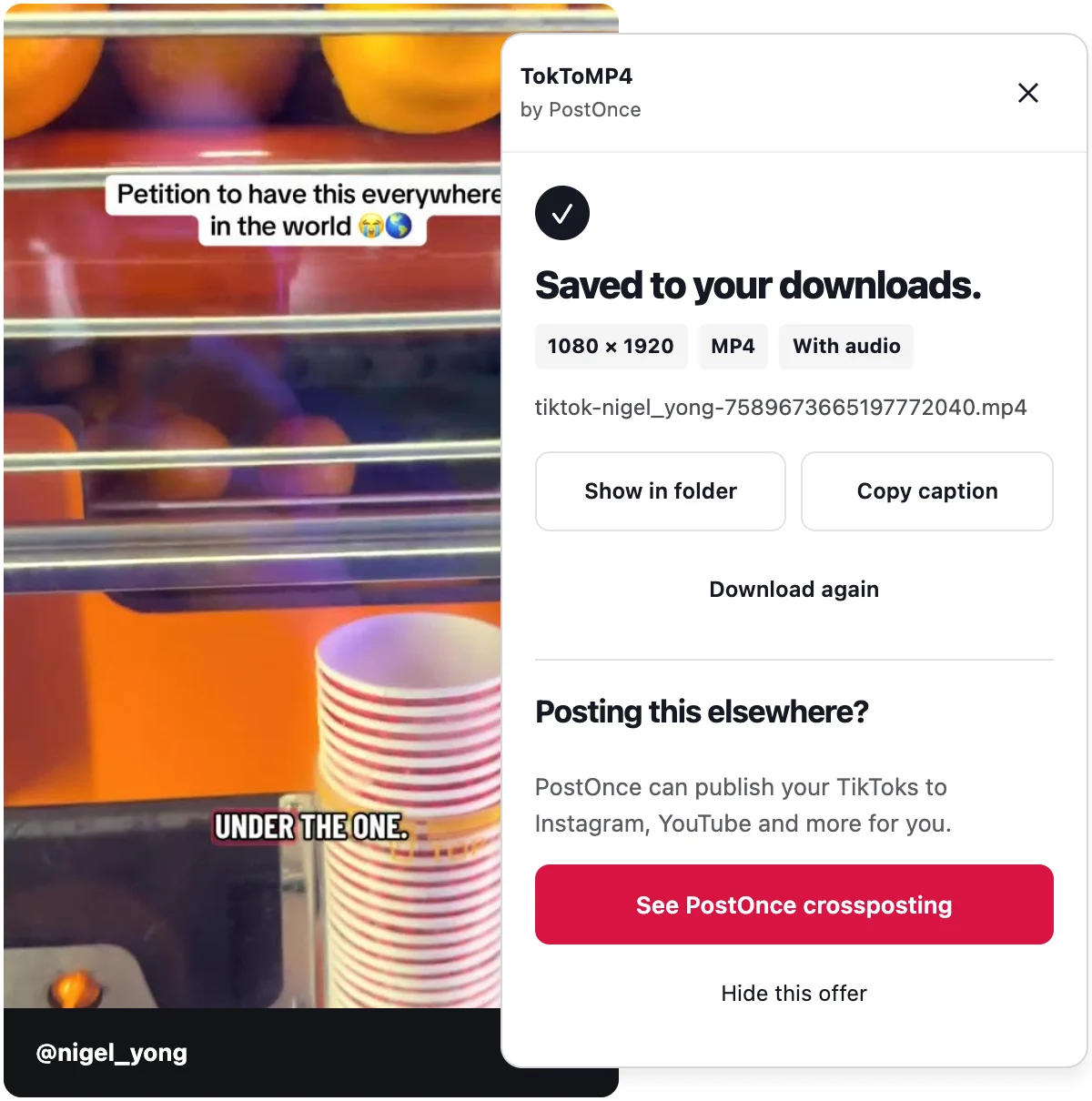
- The extension saves every image, numbered in order. The panel shows "Saved to your downloads." when it is done.
What a TikTok photo post is
TikTok is known for video, but many posts are made of still images instead. The creator uploads several photos, and viewers swipe through them while a sound plays. Recipes, outfit ideas, travel tips and memes often use this format.
Because there is no single video file, a normal video downloader may not help. A TikTok image downloader needs to fetch each picture separately. That is what this tool does.
Web tool vs extension for TikTok images
Both options save every image in the post. The differences are small but worth knowing.
The web tool
- Works on any device, including phones
- Returns every image plus the soundtrack as an audio file
- Only works with public posts
- Has a daily limit, because it runs on our servers
The extension
- Works in desktop Chrome and Chromium browsers that install Chrome Web Store extensions
- Saves every image, numbered in order
- Has no daily limit
- Lets you save from your feed without copying links
If you want the music too, use the web tool. If you save photo posts often on a computer, use the TikTok downloader Chrome extension.
Image quality
TokToMP4 saves the images TikTok serves. Nothing is re-encoded or compressed again, so what you save matches what TikTok sends.
Slideshows and videos
Some photo posts are better thought of as slideshows, where the order of slides and the soundtrack matter as much as the images. The TikTok slideshow downloader page covers how to keep every slide in order and save the sound.
For regular TikTok videos, the TokToMP4 home page saves them as MP4 with sound, up to 1080p when TikTok serves it.
What is not supported
- TikTok Stories
- LIVE videos
- Whole profiles, or many posts at once
- Private posts you cannot open yourself
Troubleshooting
The link does not work
Make sure the link points to the photo post itself, not a profile. The post must be public for the web tool.
TikTok shows a human check
If TikTok asks you to prove you are human while using the extension, complete the check on TikTok yourself, then press Try again. The extension never solves or skips it.
The post was removed or is private
You will see a clear message. If the post is gone or you cannot open it, there is nothing to download.
The download stopped
If your connection drops, press Retry.
I reached the daily limit
The web tool's limit resets daily. The extension has no limit.
Privacy and responsible use
TokToMP4 is free and needs no account. There is no usage tracking. The web tool fetches files from TikTok's own servers, and we do not keep copies. With the extension, files stay on your computer and nothing is uploaded.
Only download photos you own or have permission to reuse.
TokToMP4 is made by PostOnce and is not affiliated with TikTok or ByteDance.